Patient Management
One profile per patient — contact details, medical history, documents, imaging, visits and payments together.
Learn more about Patient ManagementPremium Dental Clinic Management
Manage appointments, patients, daily operations and clinic finances from one connected platform. Spend less time on administration and more time delivering great patient care.
Today's Appointments
18
4 checked in
Today's Revenue
Rs 86,400
12 payments
Outstanding Balance
Rs 142,300
34 open invoices
Active Patients
1,248
+26 this month
Today's appointments
All branches
Ayesha K.
Scaling · Dr. Sara
Bilal M.
Root canal · Dr. Kamran
Fatima A.
Crown fitting · Dr. Sara
Hamza R.
Consultation · Dr. Kamran
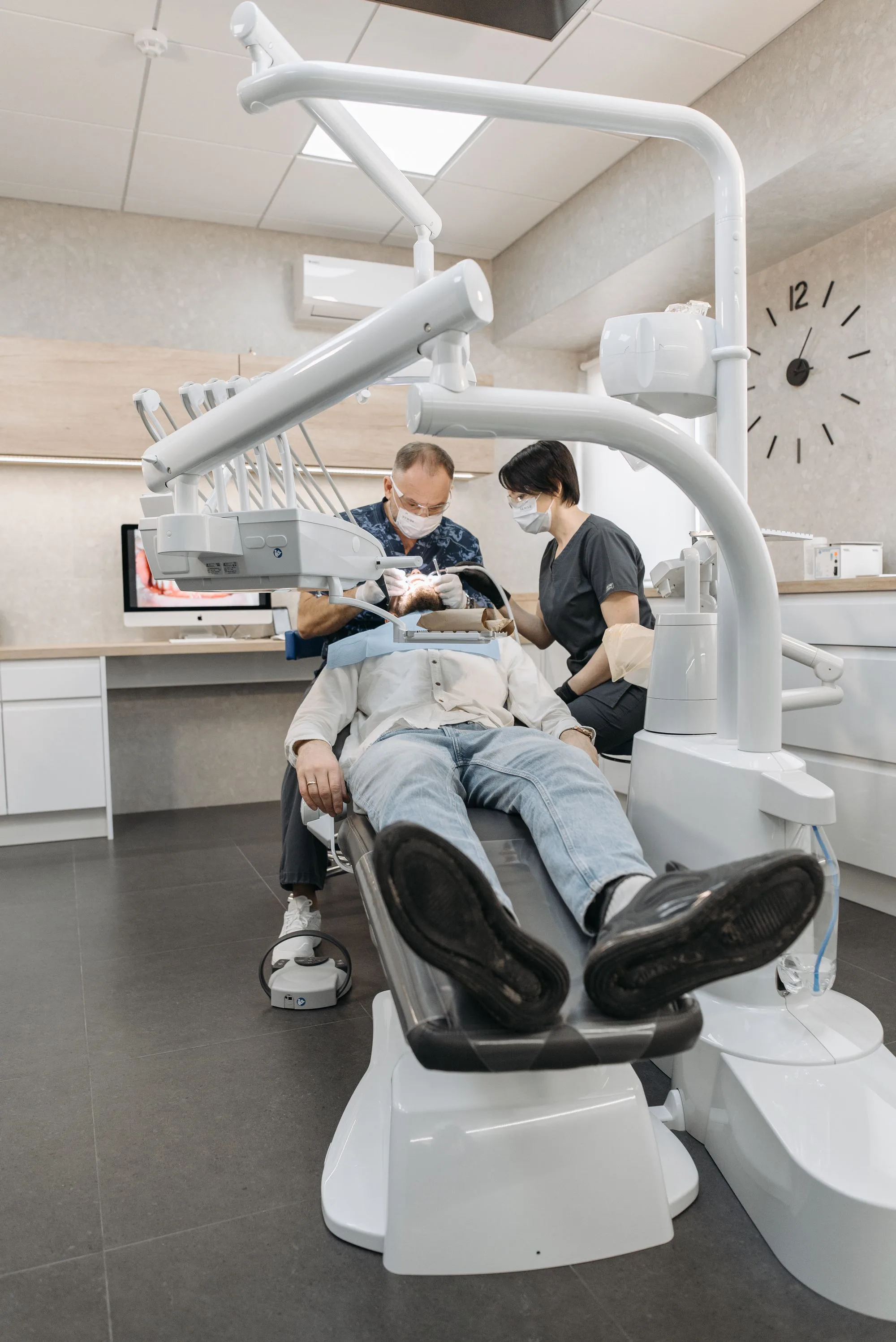
Illustrative preview with sample data
One operating system
Scheduling, clinical records, laboratory, inventory and billing all run on one patient record — so the front desk and the dentist are never working from two different versions of the truth.
One platform
The clinical, front-desk and back-office work of a dental practice — sharing one patient record, one schedule and one ledger.
Clinical Management
One patient record connects the odontogram, treatment plans, appointments and visits across your team.
One profile per patient — contact details, medical history, documents, imaging, visits and payments together.
Learn more about Patient ManagementDoctor- and branch-wise booking with a clear status flow from requested to completed.
Learn more about Appointment ManagementChart all 32 permanent teeth (FDI 11–48) with conditions and treatments recorded tooth by tooth.
Learn more about Digital OdontogramMulti-item plans with per-procedure pricing, planned dates and progress that flows into billing.
Learn more about Treatment PlanningOperations Management
Keep queues, doctors, laboratory cases and inventory moving so the front desk never loses track.
Organize patient queues, track waiting patients and manage the daily flow of your clinic with greater clarity.
Learn more about Queue ManagementDoctor profiles with specialization and branch assignment, plus role-based staff access.
Learn more about Doctor ManagementSend cases to a partner lab, track them from sent to received, and attach slips and due dates.
Learn more about Dental LaboratoryKeep stock and movements on hand, raise purchase orders to suppliers, and receive goods into the store.
Learn more about Inventory & PurchasesConnect a WhatsApp number per clinic and message patients from inside DantalClinic. Credentials stay server-side and are never shared between clinics.
Learn more about WhatsApp MessagingFinancial Management
Billing, payments, expenses and profitability — organized in one place.
Invoices, partial payments, installment plans and a running ledger with live outstanding balances.
Learn more about Billing & PaymentsKeep clinic expenses organized and make more informed decisions about your operational spending.
Learn more about Expense ManagementGet a clearer picture of your clinic's financial performance with organized profit and loss insights.
Learn more about Profit & LossBusiness Insights
Organized reports help you understand activity, monitor performance and plan ahead.
Access organized reports to understand clinic activity, monitor performance and support better business decisions.
Learn more about ReportsPatient care
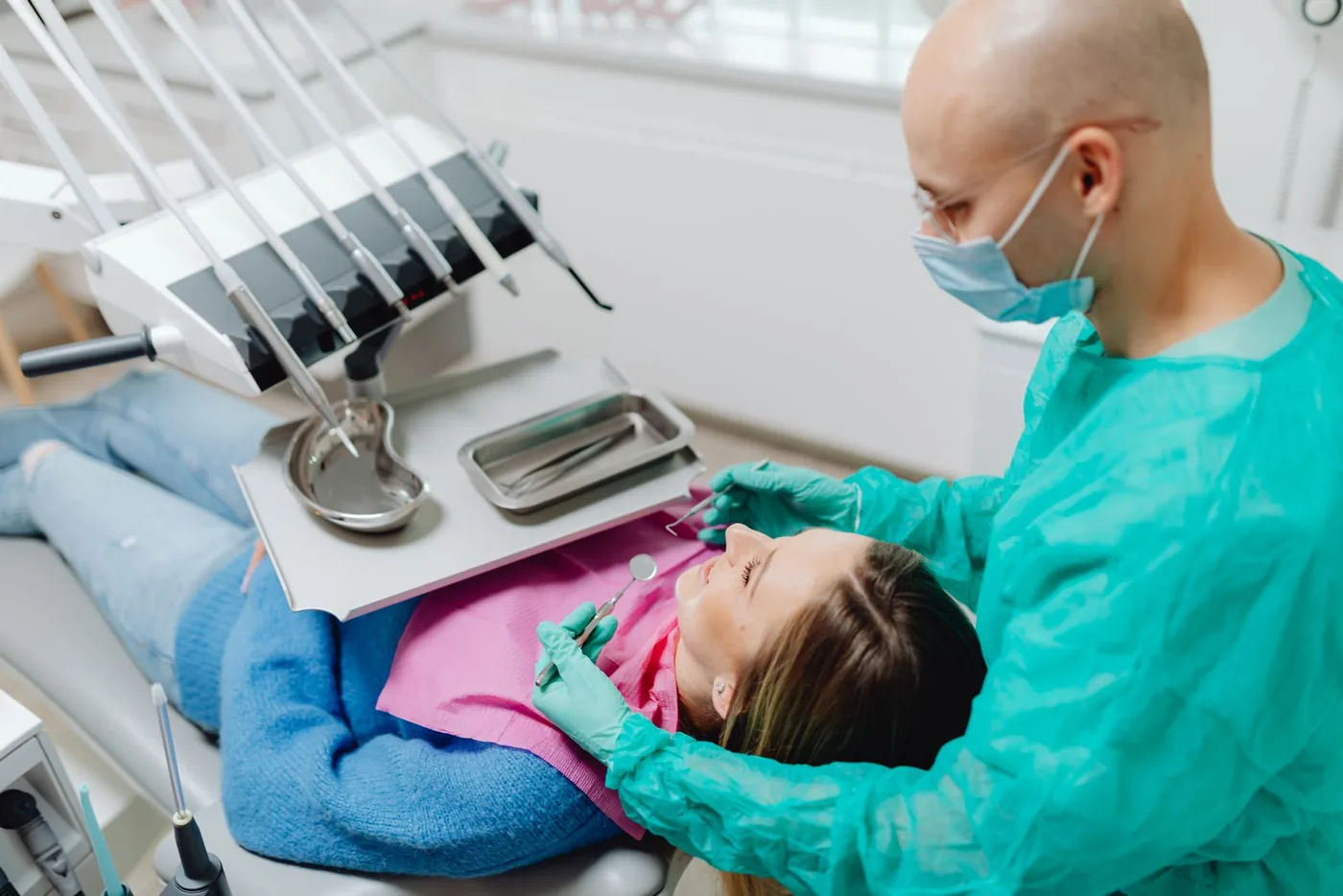
Search the whole clinic in seconds and open a profile that keeps history, imaging, plans and the ledger side by side.
How it works
Four steps that take a practice from a blank account to a daily operating rhythm.
Register the practice and give it a unique link, address and contact details.
Every patient gets one profile: history, documents, imaging, visits and payments.
Book by doctor and branch, then move each visit from requested to completed.
Add branches, doctors and inventory, and track revenue and outstanding balances.
Product tour
A closer look at the modules your team will use every day.
Track today's appointments, revenue, outstanding balances and recalls from one dashboard.
Today's Appointments
18
6 confirmed
Today's Revenue
Rs 86,400
12 payments
Outstanding
Rs 142,300
34 open invoices
Active Patients
1,248
All branches
New Patients
26
This month
Treatment Visits
312
This month
Recalls Due
9
Today
Recalls Overdue
3
Past due, open
Illustrative preview with sample data
Laboratory & inventory
Track crowns, bridges and dentures from sent to received, and keep consumables in stock with suppliers, purchase orders and goods receiving.
Lab cases
Zirconia crown — Tooth 21
Partial denture — Upper
Bridge — 34 to 36
Stock levels
Composite kit A2
Healthy
Anesthetic cartridges
Watch
Impression material
Low stock
Illustrative preview with sample data
Built to depend on
Odontogram, lab cases and recalls are part of the product — not add-ons to a generic CRM.
Database row-level security keeps every clinic's records isolated from other clinics.
Owners, doctors and front-desk staff each see the modules their role allows.
Branches, multiple clinics and safe clinic switching on one account.
Runs in the browser — nothing to install at the front desk or in the operatory.
Every customer starts with a demo, and our team sets up the clinic and first users.
Solutions
From a single chair to several branches — the same platform, configured for your team.
Replace paper charts and registers with one simple digital workspace.
Give the front desk and the doctor the same live view of the day.
Add laboratory, inventory and installment workflows as the practice grows.
Each doctor works their own appointments while sharing one patient base.
Run several branches or clinics with clean separation and one sign-in.
FAQ
DantalClinic is cloud-based practice management software for dental clinics. It brings patients, appointments, the odontogram, treatment plans, billing, laboratory work, inventory and recalls into one workspace.
Solo dentists, small and growing clinics, multi-doctor practices and dental groups with several branches.
Yes. Each doctor has a profile with a specialization, appointments are booked per doctor, and staff accounts use roles and module-level permissions.
Yes. A clinic can have multiple branches — doctors, appointments and visits are assigned to a branch — and one account can work across multiple clinics with their data kept separate.
Yes. You chart teeth on an FDI odontogram, build multi-item treatment plans with per-procedure pricing and planned dates, and track progress visit by visit.
Yes. Create invoices (including from treatment plans), record partial payments, set up installment plans and see each patient's ledger and outstanding balance.
Yes — use the Request a Demo form. Our team will contact you using your preferred method and walk you through the product on your own workflows.
Clinic data is isolated per clinic with database row-level security, access is controlled by staff roles and permissions, and sign-in is handled by a managed authentication provider. Passwords are never stored in application tables.
Request a guided demo — we'll walk through appointments, patient records, treatment plans and billing, and answer pricing and onboarding questions.